
How it works
- Select a webpage table.
- Export spreadsheet.
- Download the result.
Export a table from the current webpage to an XLSX spreadsheet.
The Microsoft Edge Add-ons listing is being prepared. This ZIP is for manual developer-mode testing.
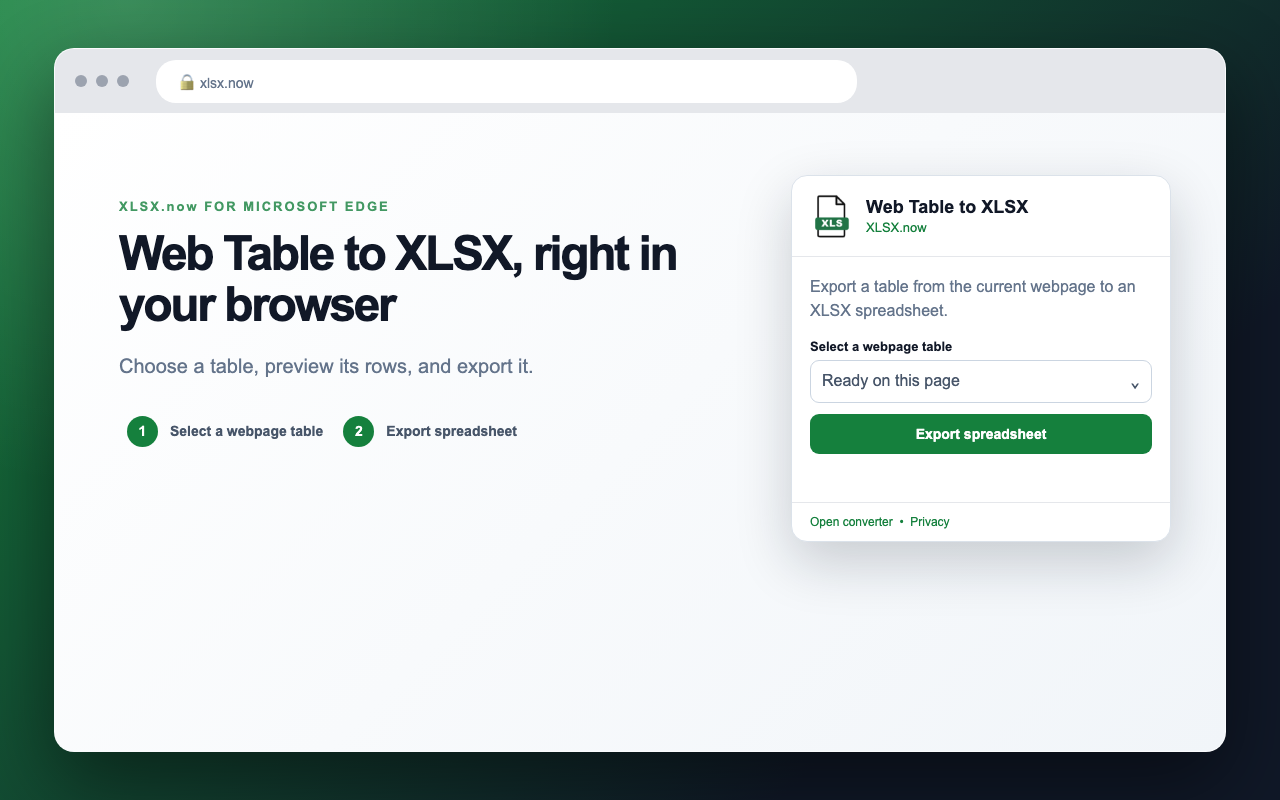
Choose a table, preview its rows, and export it.


The extension only sends the file or page content you explicitly choose to the secure XLSX.now conversion API. Your API key is stored locally in Edge.
Read the privacy policy